

1. Hub page
Broad entry point for customers, carers and therapists. It introduces all solution themes.

Checkout using your account
Checkout as a new customer
Creating an account has many benefits:

Explore practical assistive technology setups built around everyday goals. Each solution brings together products, accessories and related categories so customers and therapists can see the whole picture.
Solution library
Each card should link to a dedicated solution page. That child page can then show the relevant products, accessories and category links.

Community access
A complete setup for local outings, carrying essentials, handling small access barriers and staying visible.

Mobility
Explore the outdoors using equipment build specifically for rough and uneven terrain.
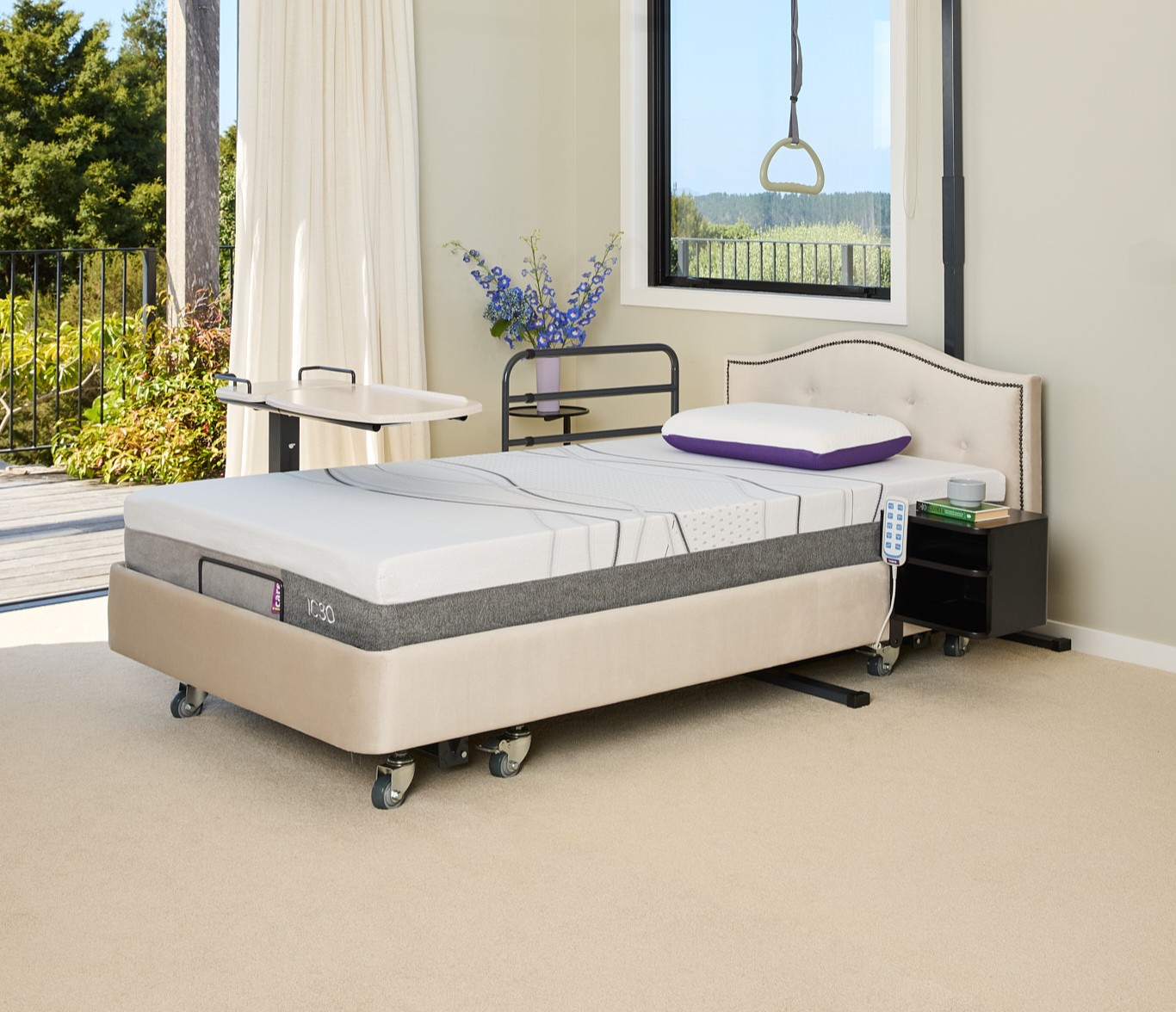
Bedroom
Bedroom safety, for safe homecare living environments.
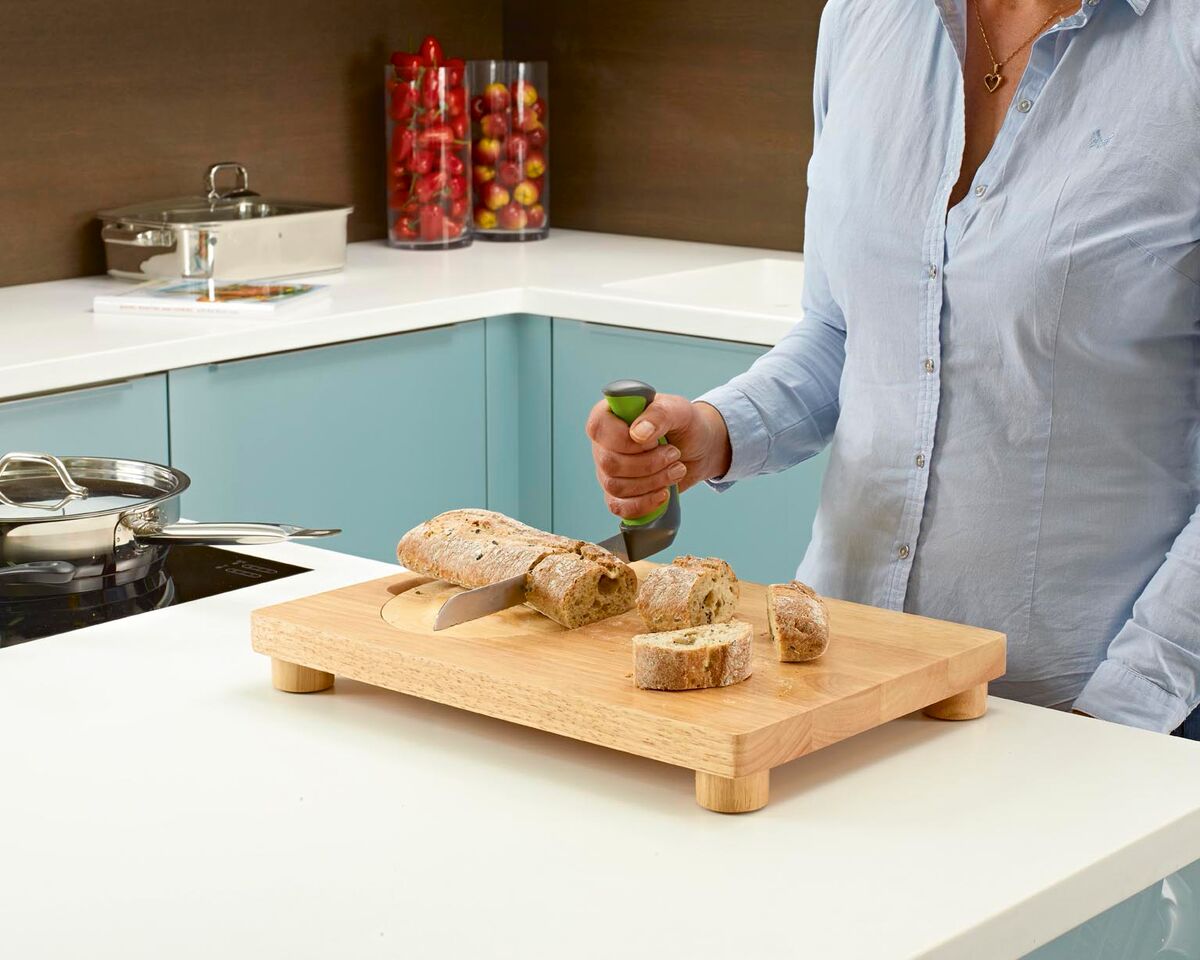
Daily living
Practical kitchen and daily living aids for grip, reach, stability and safer preparation.

Homecare
A broad home safety setup covering bathroom, bedroom, mobility and everyday access.

School and participation
Equipment ideas for seating, movement, participation, transport and daily classroom routines.
The hub page lets people choose a goal first. Each solution page then acts like a moodboard with recommended products, alternative categories and advice prompts.
Broad entry point for customers, carers and therapists. It introduces all solution themes.
Dedicated story page for one goal, such as shopping, showering or transfers.
Each solution contains 5 to 10 product links that form a practical setup.
Every page links outward to relevant categories so users can compare alternatives.
Traditional browsing
The solution hub should add a new browsing path, not replace normal product categories.
Build this hub first, then create one child solution page for the scooter shopping trip. That gives us the full test path from inspiration to product discovery.
Are you sure you would like to remove this item from the shopping cart?
This item is a part of the approved quote. Removing it will remove all quote items from the cart.
